The grown-ups door
A short question or a PIN the family chooses guards each child's trail, what they learned, reminders, settings, class sharing and the account. The child's side has no ads, no chat, nothing to buy and no links out.
Read more

Overview
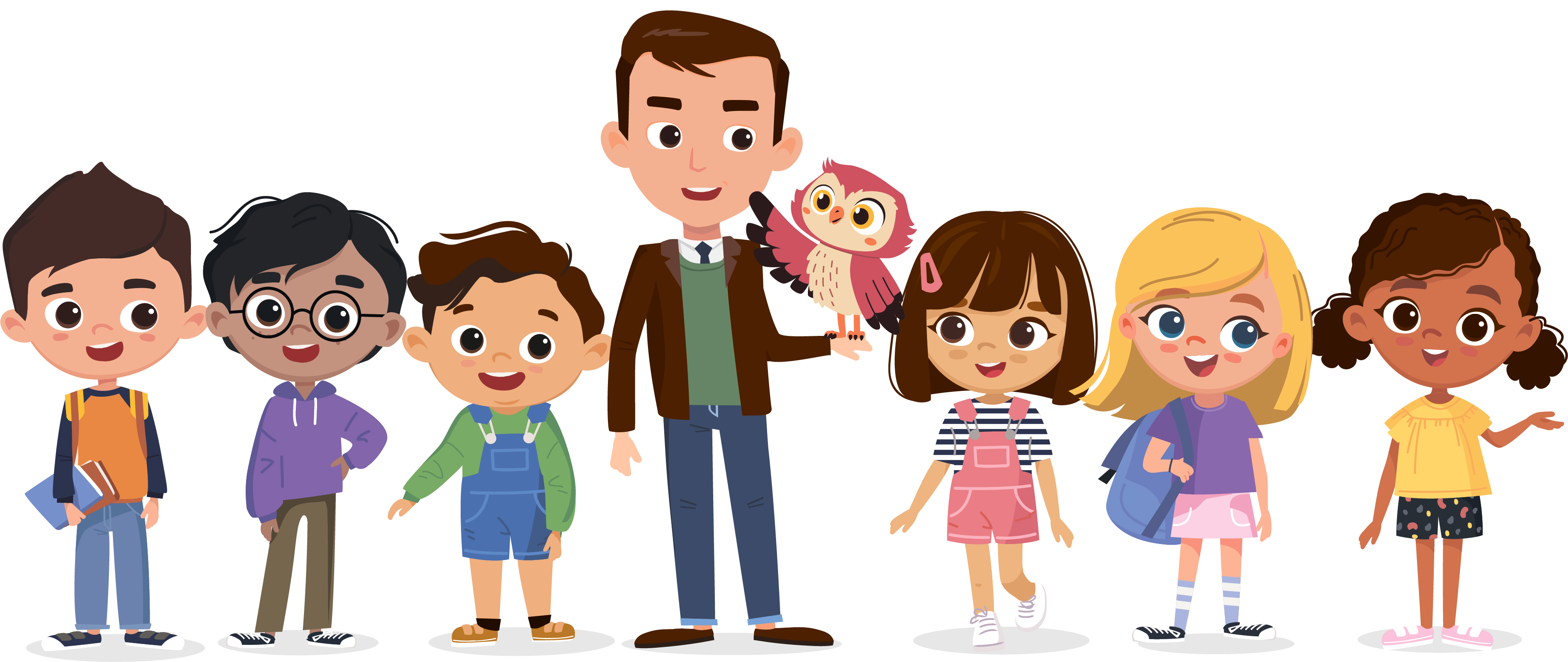
Every word has its own page: a picture, a voice, what it means, and words that mean the same or the opposite.
Little Wordsmiths starts with a picture dictionary and thesaurus for ages 2 to 8: more than 4,000 words, each on its own page. A word page has a picture drawn for one meaning, the spoken word, a child-friendly meaning and an example sentence. Words that mean the same and words that mean the opposite are linked both ways, so one tap opens that word's page, and it links back.
Every word can be seen and heard in English and 25 more languages, each with its own voice. A child finds a word by searching, by topic, or by letter from A to Z.
At 2 and 3, a grown-up opens the word pages with the child. No trail is needed: look at the picture together, hear the word, and talk about what it means. As the child grows, the daily trail is built from the same words.
A shared picture dictionary for a class. Every child meets the same pictures and the same voices, and a family can hear each word in its own language at home.
The same pictures, voices and languages appear in the app, on the web and in schools. Every word is made with care. It is drawn for one meaning, spoken by a voice, and translated into 25 languages that are checked, so each one is the word a child would really use. Change a word once and every screen shows the change.
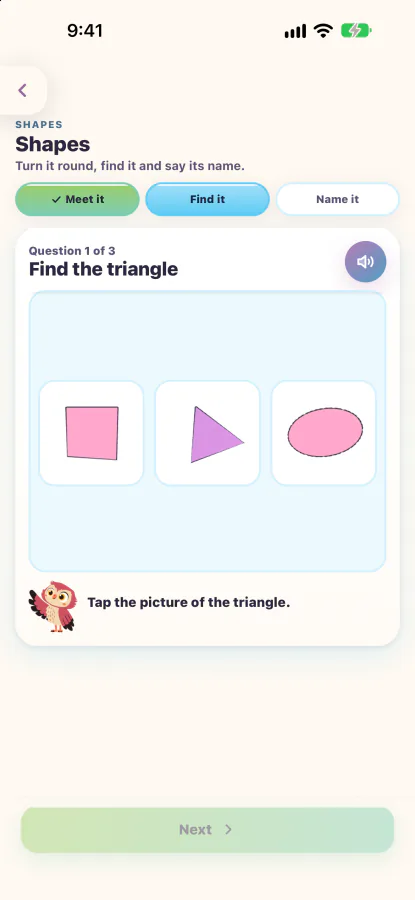
A shape a child can turn with a finger, then find and name.
The shape stop starts with one shape in 3D. The child turns it with a finger, and for a solid such as a cube, Faces, Edges and Corners count each part one by one. Next the child finds the shape among three pictures, then hears its name and taps it. What they learn matches what a school will ask for.
In Practice the same shapes spin in 3D any time, outside the trail, with a shape puzzle that builds a rocket and a hunt for shapes at home.
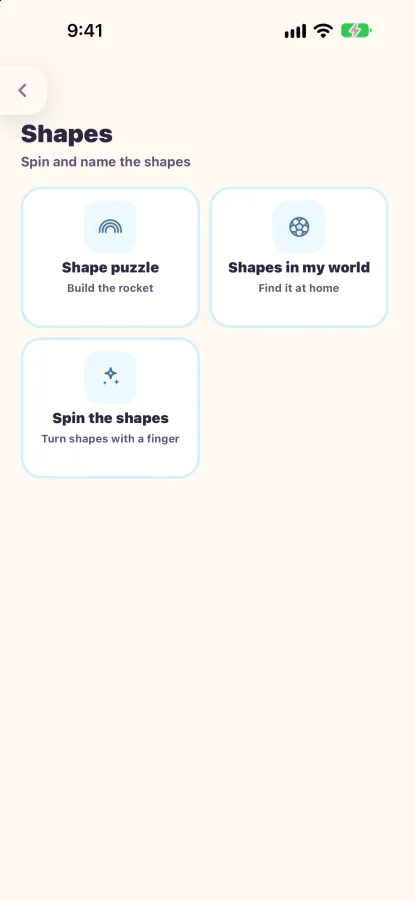
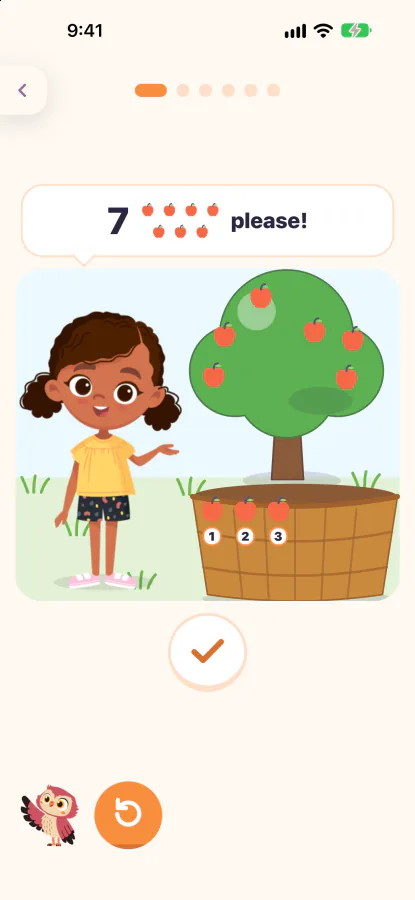
Every maths game shows a worked example first, then the child has a go.
Each game starts by showing one worked example, slowly, and then it is the child's turn. A "show me" button plays the example again whenever the child is unsure. A wrong try is never marked in red and never buzzes: the example replays with the child's own numbers, and the child tries again.
Counting and adding are little stories with Zuri and Adam. Zuri asks for apples and the child counts them into her basket, then Adam brings some more. The other games are clean cards with one idea each, and Practice has 8 number games, each with its own picture.
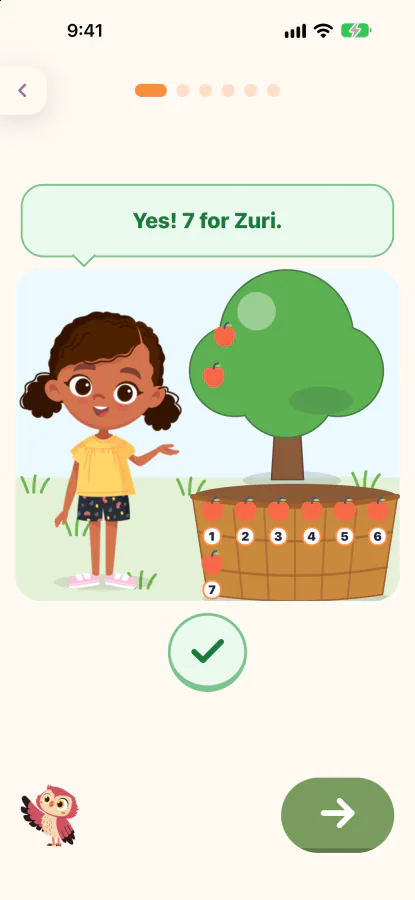
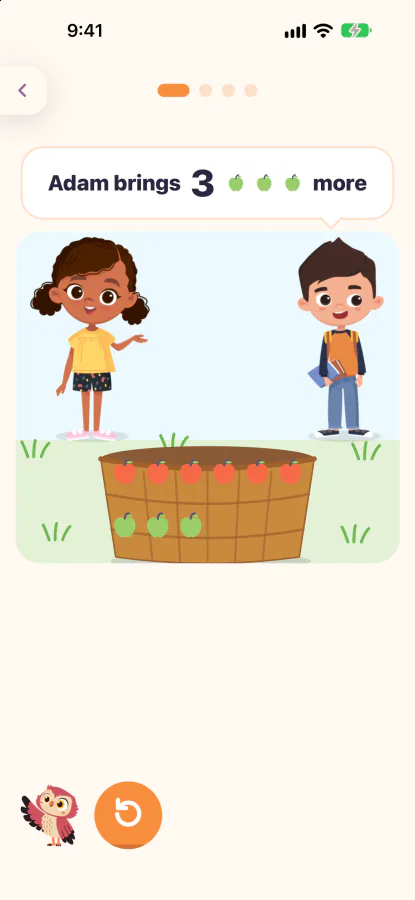
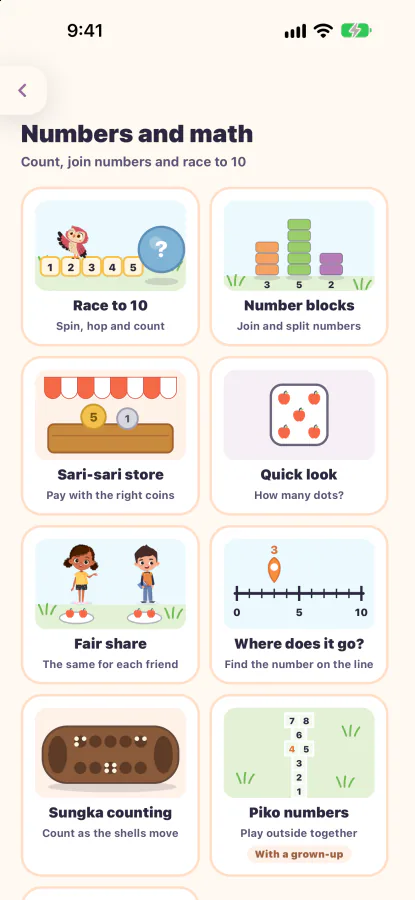
The trail is what ties everything together: one short trail a day, then Sky the owl says goodbye.
Each day Sky lays out a short trail of about six stops: a check-in of earlier words, new words, a letter, a maths or shape stop, a sentence, and the week's story. Picture and sound come first, then reading, then writing. Words from earlier days come back as a quick picture quiz, so they stay.
Then the day ends. There is nothing to grind and no endless feed.
A tappable phone built from the app's own screens. The child shown is an invented sample.
A valley that changes with the seasons as the child walks 36 weeks of trails: spring meadow, summer fields, autumn wood and winter hill, nine weeks each. Every stone, chest, landmark and picture can be tapped.
The trail follows a plan for ages 3 to 8. Each level is 36 weeks of 5 trails a week, 180 trails.
Everything that needs a grown-up's judgement sits behind the grown-ups door.
A short question or a PIN the family chooses guards each child's trail, what they learned, reminders, settings, class sharing and the account. The child's side has no ads, no chat, nothing to buy and no links out.
Schools set up classes. A family joins with the teacher's class code and agrees to share, and then the teacher sees each child's trail. Until a family agrees, a class sees nothing of the child.
One learning record, seen three ways. Families see their child's week. Teachers see who needs a hand. Schools see their classes together. The examples here use invented learners.
Coming soonThe school console, where every number opens the actions behind it.
Deleting an account waits 14 days, and signing in during that time offers Keep my account. After deletion only an anonymous copy of the learning activity remains.
The order shows what comes first, not when, and no dates are promised.
Every number opens the actions behind it, so a family, a teacher or a school can see exactly where it comes from.
Programmes with partner schools and school systems, with a first look and a later look to set beside their own reading assessment.
A printed first-words book and a cartoon and video series with the eight characters, built around the same words as the app. Not available today, and no dates are promised.
Built for how children actually learn. Picture and sound first, then reading, then writing, in the language a child thinks in first. No child left behind.