

Little Wordsmiths
Schools, school boards and governments

Little Wordsmiths for the whole class.

Families join a class with the teacher’s code and agree to share. Teachers and schools then see trail progress, for every child, in the language that child learns in.

Already set up by our team? Use “Sign in to your portal”. New here? Request access and a real person will get you started.

Set up a classExample

Grade, from a list

  • Pre-K
  • Kindergarten
  • Grade 1
  • Grade 2
  • Grade 3
  • Grade 4
  • Grade 5
  • Grade 6
  • Mixed

The class code to share with families

  1. A
  2. B
  3. C
  4. D
  5. 2
  6. 3
  7. 4
  8. 5

A new code can be made at any time. The old code stops working at once.

Sky the owl

Your trail for today is ready.

  • 26Languages, so one lesson reaches each child in their own.
  • 8Characters in a class code. Capital letters, spaces and dashes do not matter.
  • 7 + 30Days of trail progress staff see: stops over the last 7 days, answers over the last 30.
  • 36Weeks in each level’s plan, with five learning days a week.
Who it is for

Built for a daycare, a board or a nation.

Schools and daycares

Set up your classes and teachers in the school portal. Each class has a code to share with families. Teachers see trail progress for the children whose families agreed, and school administrators see every class.

Sign in to the school portal
School boards

See the schools beneath a board in one place, with a “My schools” overview and the same class and school views across all of them. We provision your board account and link your schools during onboarding.

Request board access

Governments and programmes

Built to scale from a single daycare to a national literacy programme, with delivery in 26 languages so one lesson reaches each child in their own. We set up your programme with you.

Talk to our team

School board and government dashboards are provisioned with onboarding. Reach us and we will set up your access.

How a class works

A code, an agreement, and then the trail.

A parent joins their child to a class. Nothing is shared with the school until they agree, and they can stop at any time.

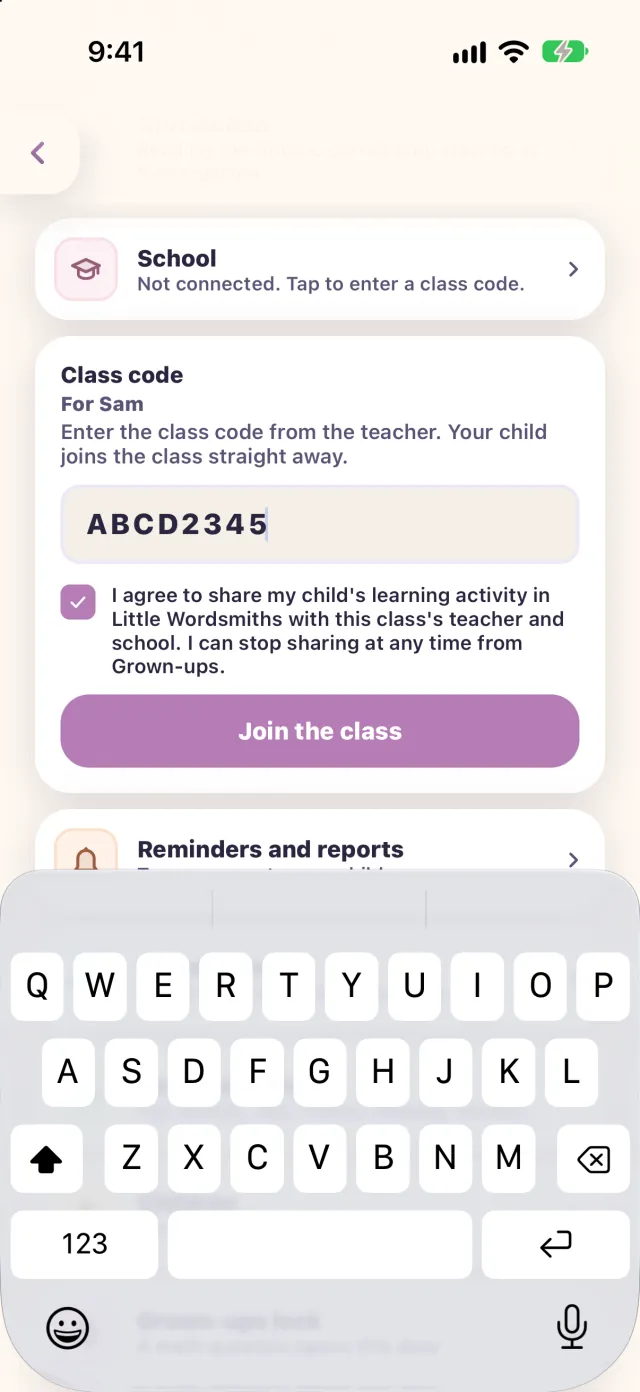
The class code screen in the app: a made-up code, the agreement to share a child's learning activity with the class, and a Join the class button.
  1. The school sets up the class

    A teacher or school administrator creates the class in the school portal and picks its grade from a list, Pre-K to Grade 6 or mixed. (Class labels run to Grade 6; the app’s own levels run from Pre-K to Grade 2.) The class gets an 8-character code, and a new one can be made at any time. The old code stops working at once.

  2. Families join with the code

    A grown-up enters it in the app under Grown-ups, then School. Joining needs a signed-in account with a confirmed email, and a grown-up who manages that child.

  3. The family agrees

    The app shows an agreement to share the child’s learning activity with the class’s teacher and school, and sharing starts only when the box is ticked. The wording has a version number, which is recorded with each agreement.

  4. The class sees the trail

    Sharing lasts until the family leaves, a teacher removes the child, or the agreement is withdrawn. It does not expire on a clock, and ending the class membership ends the sharing.

“I agree to share my child’s learning activity in Little Wordsmiths with this class’s teacher and school. I can stop sharing at any time from Grown-ups.”
The wording the app shows before a family joins.
What staff see

What teachers and schools see.

Trail progress, not a feed of everything a child does. The same views roll up from class to school to board. Every value below is made up.

Teachers

For each child in the class:

Example class, Grade 1Example
LearnerTrail, 7 daysCheck-insAnswers, 30 days
Learner A 21/30 stops, 5 days 6/8 right 52/60 right
Learner B 27/30 stops, 6 days 7/8 right 57/60 right
Learner C 12/30 stops, 3 days 3/6 right 28/41 right
Learner D 18/30 stops, 4 days 5/7 right 40/52 right
  • A page for each child
  • Time in the app
  • Words practised and reading

Linked grown-ups: Grown-up A, Grown-up B (names only)

  • Stops finished out of stops on the trail, over the last 7 days, and the days with a trail.
  • Check-ins answered right out of asked, and answers right out of answered over the last 30 days.
  • A page for the child with their time in the app, words practised and reading.
  • The names of the grown-ups linked to the child.

The whole class

What it is still practising.

Still practisingExample

Missed most in the last 30 days

  • letter t4 children
  • word tabla3 children
  • shape rectangle2 children
  • word daffodil2 children
  • The items children missed most in the last 30 days, and how many children missed each, to plan tomorrow’s lesson.

School administrators

Every class, with a roster of each child’s trail.

Example schoolExample

Every class in the school

  • Pre-K MaplePre-K, 14 children
  • Grade 1 BirchGrade 1, 18 children
  • Grade 2 PineGrade 2, 16 children
Teachers seeGrown-up A
Administrators also seeGrown-up A, grown-up.a@example.org
  • Every class in the school, with a roster of each child’s trail.
  • The email address of a child’s linked grown-ups. Teachers see the names only.
  • Content rules that can be set for a class, a school or a board.
  • Sign-in with an extra verification step for teachers and administrators, when it is switched on.

School boards

The same views across every school beneath a board.

My schoolsExample

Schools beneath this board

  • Example School One6 classes
  • Example School Two4 classes
  • Example School Three9 classes
  • Class, school and board views
  • Content rules at each level
  • Extra verification step, when on
  • For a board, the same views across every school beneath it, and a “My schools” overview.

Children a school enrols itself are shown to that school’s staff. For a family that joins with the code, nothing is shared until a grown-up agrees. Read the privacy policy for the detail.

Why programmes choose Little Wordsmiths

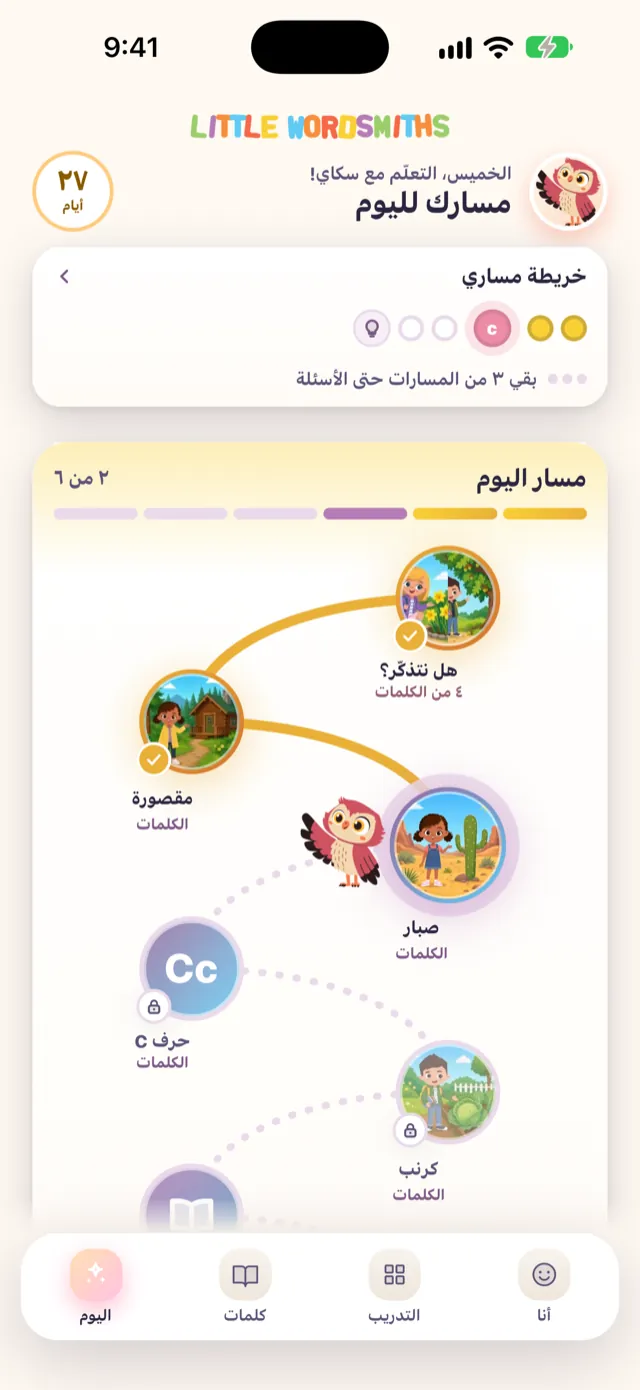
The Today screen in Arabic, laid out right to left.
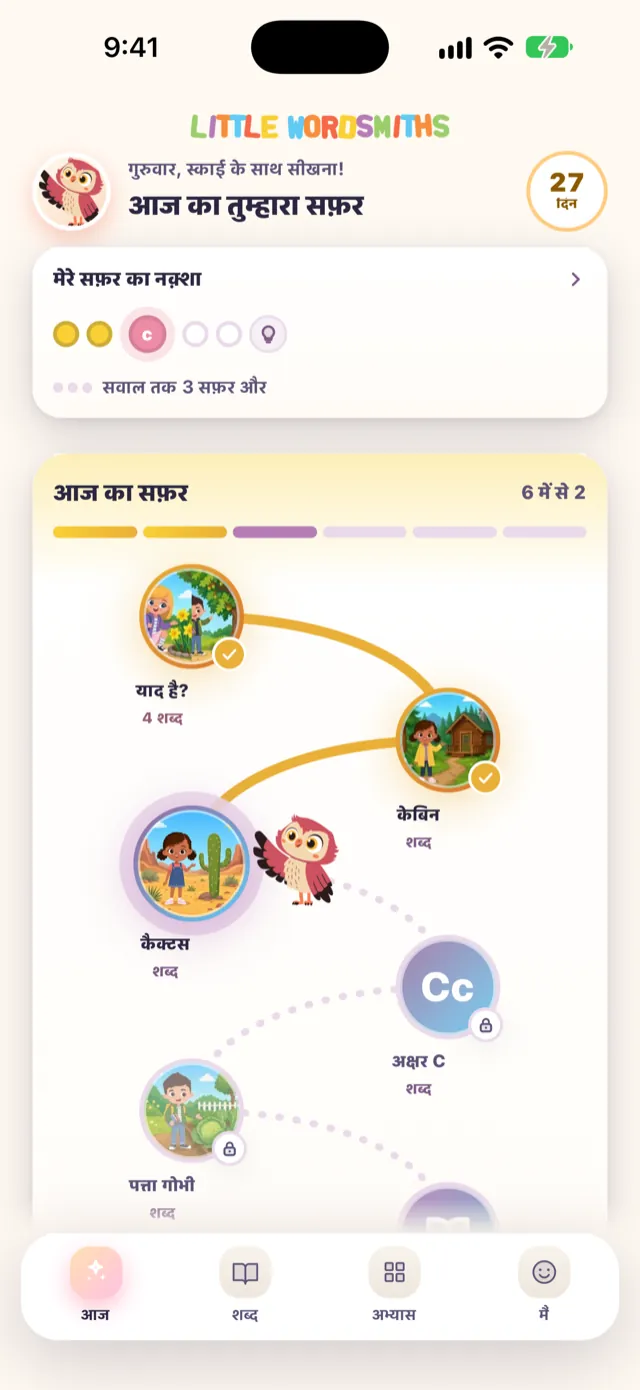
The Today screen in Hindi.

Multilingual by design

One trail, spoken in 26 languages, with the app’s screens and words following the language a family chooses, right to left where needed.

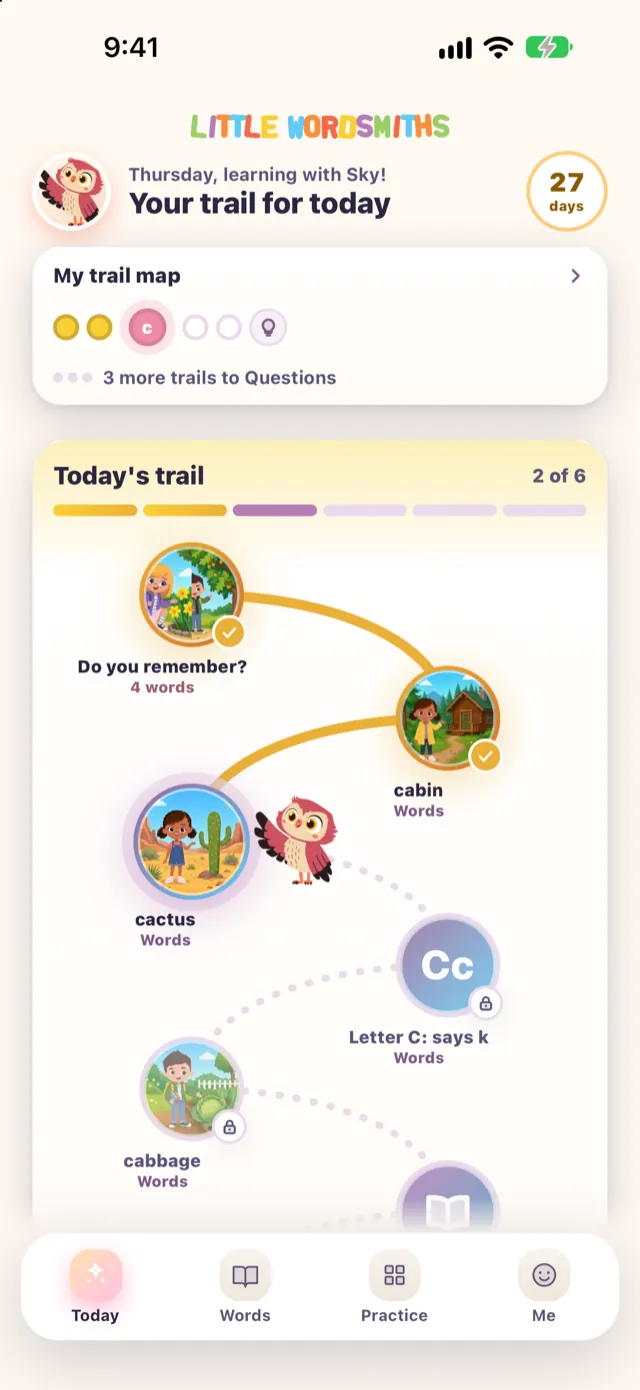
Today: a path of a few stops that begins with Do you remember?
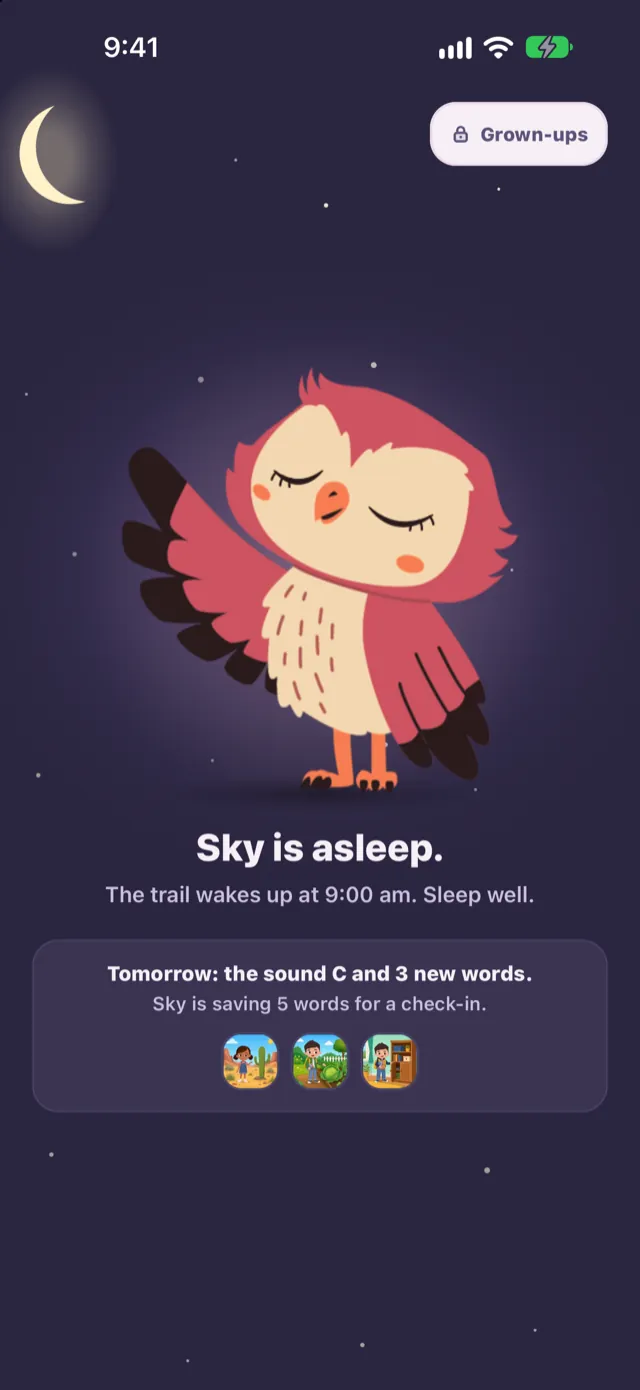
Sky the owl asleep: the trail is done and the day has ended.

A trail, not a feed

A few short stops a day, then the day’s trail ends. Days only add up, and there is no streak to break.

Consent first

Families agree before a class sees anything, with a versioned agreement they can withdraw from at any time.

ClassA teacher sees each child
SchoolEvery class, one roster each
BoardEvery school beneath it

Views that roll up

Teacher, school and board views of trail progress, in the same words from class to board.

Every word, every language, every child. No child left behind.

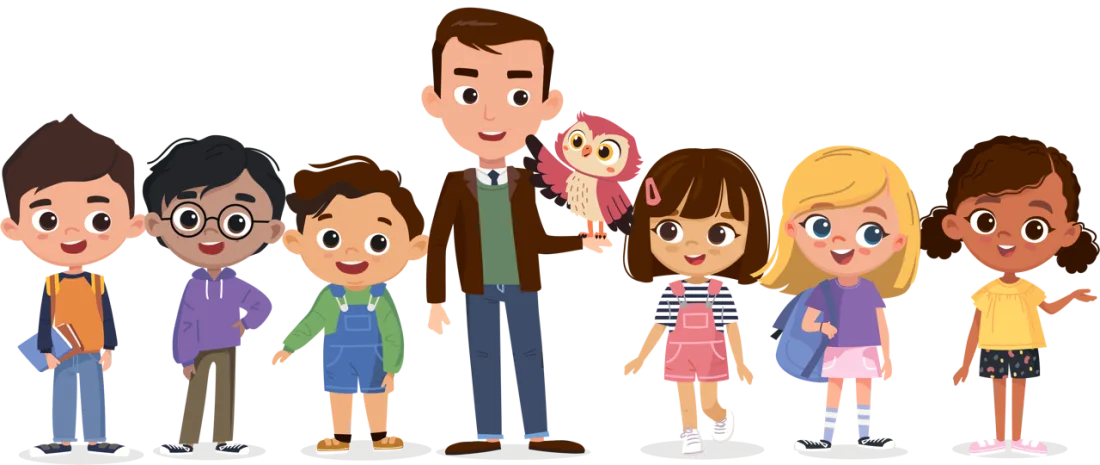
Adam, Rohit, Carlos, Professor William with Sky the owl on his arm, Alysa, Olivia and Zuri standing side by side.
Sky the owl waving

Bring the trail to your whole class.

Request access and a real person will get you started.

Already set up by our team? Use “Sign in to your portal”.